 Zapier
 n8n
n8n Make
Make Google Sheets
 GitHub Actions
 WordPress
Free
Get started with full screenshot capabilities.
$0free forever
200 screenshots / month
1 API key · 5 req/min
Capture any website in seconds. No browser management, no infrastructure headaches. Just a simple API call.
Try it free, no signup required. 4 captures left.








01 / How it works
ScreenshotRun opens any page in a real browser, waits for it to load, clears away cookie banners and pop-ups, and sends a pixel-perfect image back to your app. No headless Chrome servers to babysit.
Every page opens in real Chromium, so JavaScript, fonts and lazy content render like they do for your users.
Cookie banners, ads and chat widgets are blocked before the shot, so the page is clear.
PNG, JPEG, WebP or a print-ready PDF from the same endpoint, at any viewport size.
Most captures are ready in under 3 seconds, with 99.9% uptime behind every request.
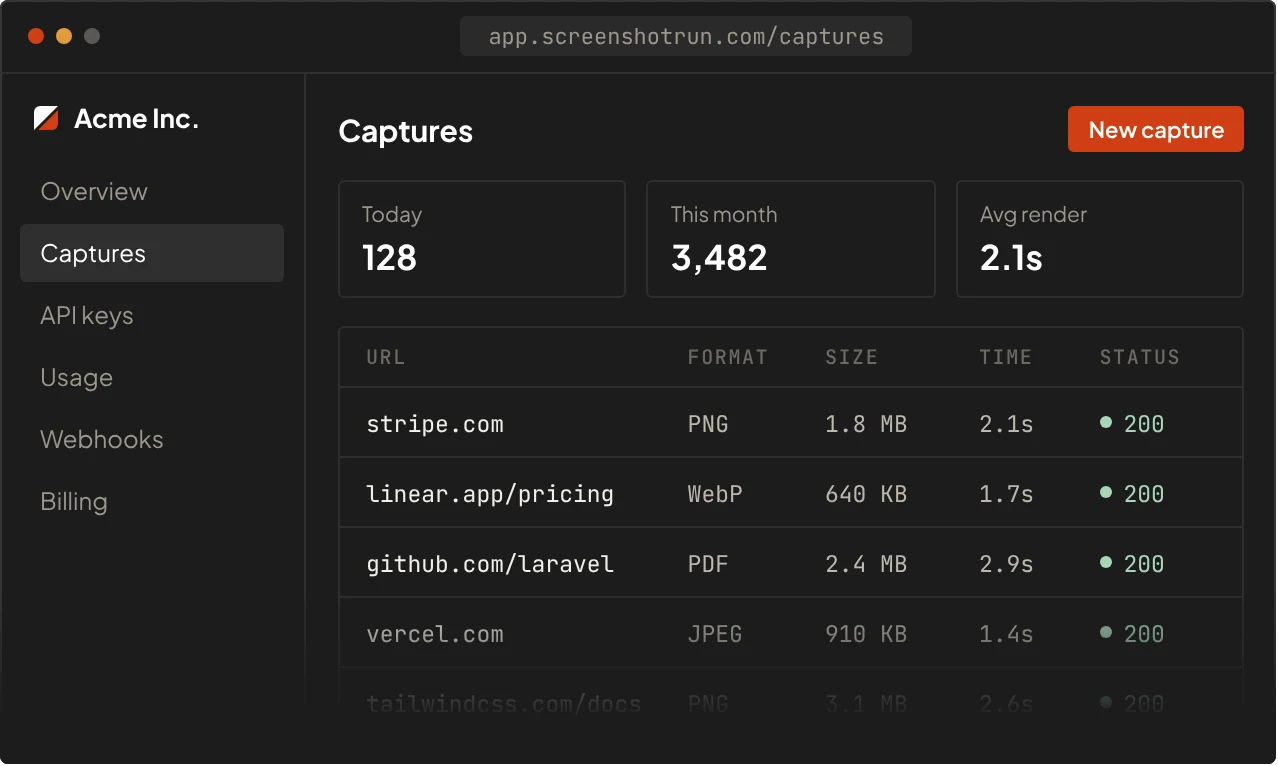
Every capture lands in your dashboard with its size, format and render time, so you always know what your app is sending.
99.9%
Uptime over the last 90 days
<3s
Average capture time
30+
API parameters to tune each shot
200
Free screenshots every month
02 / Features
One endpoint and a few parameters, from full pages and PDFs to clean, banner-free shots.
All 19 featuresCapture the whole page top to bottom, not just the first screen. Lazy-loaded images and sections are scrolled into view before the shot is taken.
03 / Use cases
Teams use ScreenshotRun anywhere they need a picture of a web page: inside their product, in tests, or behind the scenes.
All use casesShow a live preview of any URL your users paste into chats, comments or CMS fields.
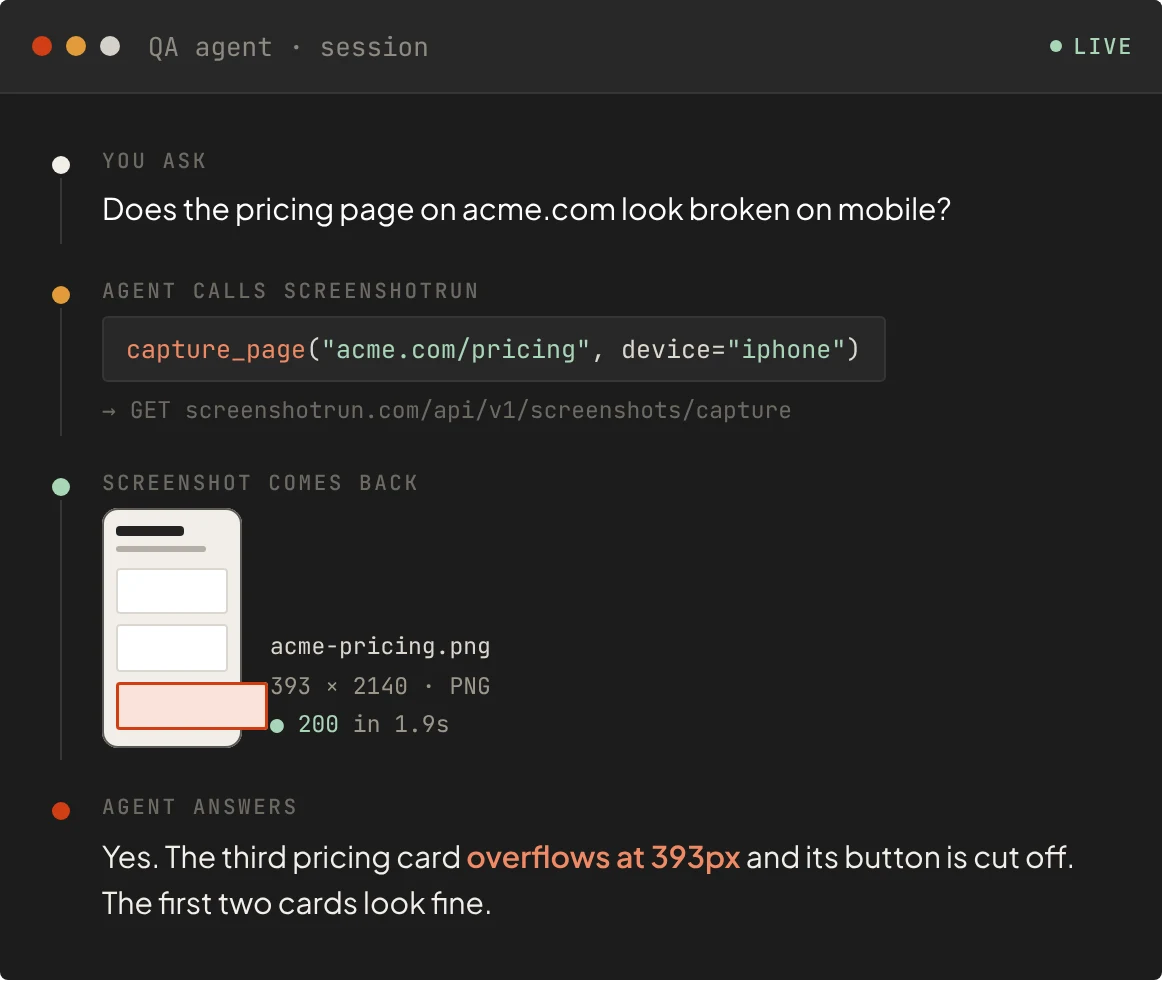
Let an agent see a page the way people do, then reason about what is on it.
Directories, portfolios and dashboards with an up-to-date image of every site.
Capture pages on every deploy and compare them to catch layout bugs early.
Take scheduled shots of competitor or partner pages and see what changed.
Save pages as PDF or full-length images for audits, invoices and records.
04 / Integrations
Quickly render website screenshots with Zapier, Make, n8n and other popular no-code platforms of your choice. No code required, just connect your API key and go.
05 / AI agents
Text scraping misses layout, images and broken UI. Hand your agent a real screenshot and let a vision model look at the page itself.
One HTTP request with a URL in, an image out. Plugs into any framework that supports tool calls.
Pick the viewport, device and format, so the image fits the model without extra resizing.
Cookie banners and pop-ups are removed before the shot, so the model sees the actual content.
06 / Compare
I run headless Chrome on my servers so you don't have to. Here is what that saves you.
| Self-hosted Puppeteer | ScreenshotRun | |
|---|---|---|
| First screenshot | Install Chromium, write launch, wait and scroll logic | One GET request with your API key |
| Servers | A VPS with enough RAM for headless Chrome | Nothing to host or patch |
| Under load | Browsers crash or leak memory, so you build a queue | Requests are queued and scaled for you |
| Cookie banners & ads | Write and maintain your own blocking rules | block_cookies=true |
| Lazy-loaded pages | Custom scroll scripts that break per site | full_page=true scrolls everything in first |
| Maintenance | Chrome updates break things every few months | I keep the browsers updated for you |
| Cost when idle | You pay for the server even with zero captures | Free for 200 screenshots every month |
07 / Pricing
Start free with 200 screenshots every month. Upgrade or downgrade anytime, and pay only for successful requests.
Get started with full screenshot capabilities.
$0free forever
200 screenshots / month
1 API key · 5 req/min
For small projects that need production-ready screenshots.
$9per month
3,000 screenshots / month
2 API keys · 15 req/min · $0.009 per extra
For growing businesses that need advanced customization.
$29per month
15,000 screenshots / month
5 API keys · 40 req/min · $0.006 per extra
Prices in USD, secure checkout via Paddle. Need more volume? Growth ($79) and Business ($119) go up to 100,000 screenshots a month.
08 / Blog
Guides and tutorials on capturing the web, written while building ScreenshotRun.
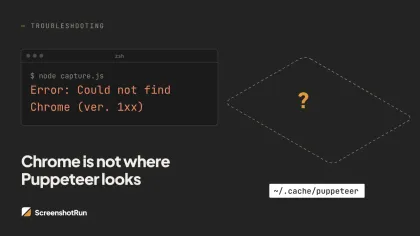
Puppeteer cannot find Chrome? Fix the "could not find expected browser locally" error in Docker, CI/CD, serverless, monorepos, and local dev...
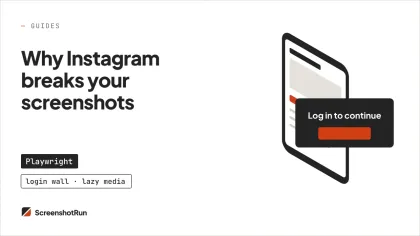
Instagram shows two login popups, triggers React re-renders when you hide them wrong, and locks scrollHeight to the viewport. Three problems...
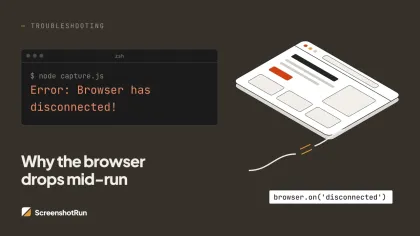
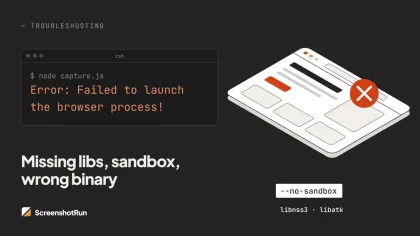
Every cause of Puppeteer browser launch failures with tested fixes for each environment.
09 / FAQ
Can't find what you need? Contact us or check the documentation.
Talk to the person who built it
Vitalii, founder of ScreenshotRun
Stuck on an integration or need a parameter that isn't there yet? Write to me directly.
ScreenshotRun is a cloud-based service that lets you capture pixel-perfect screenshots of any website via a simple REST API. You send a request with the target URL and desired parameters (viewport size, format, full-page mode, etc.), and our servers render the page using an optimized Chromium engine and return the resulting image. The entire process typically takes under 5 seconds.
Yes! We offer a free plan that includes 200 screenshots per month — no credit card required. Simply create an account, grab your API key, and start capturing screenshots right away. If you need higher volume, you can upgrade to a paid plan at any time.
All plans support PNG, JPEG, and WebP image formats. PDF export is available on Starter plans and above. You can also customize viewport dimensions, enable retina (2x) resolution, choose between viewport-only or full-page scrolling capture, and emulate mobile, tablet, or desktop devices.
Yes. Cookie consent banner blocking is available on all plans, including Free. Ad and tracker blocking is available on Starter plans and above. Both options can be toggled on or off for each individual API request, giving you full control over the output.
Integration is straightforward — just make a single HTTP GET or POST request to our API endpoint with your API key and the target URL. We provide ready-to-use code examples for cURL, PHP, Python, JavaScript, Ruby, and Go. Check out our documentation for detailed guides and parameter references.
We maintain 99.9% uptime backed by a robust cloud infrastructure with automatic scaling. Our rendering servers are distributed across multiple regions to ensure fast and reliable screenshot delivery. Paid plans include priority processing for even faster response times.
Yes. You can pass custom HTTP headers (such as cookies or authorization tokens) with your API request. This allows you to capture screenshots of password-protected pages, admin dashboards, or any content behind a login wall.
We send a notification when you reach 80% of your monthly quota. On the Free plan, API requests return an error until the next billing cycle or until you upgrade. On paid plans, you can keep capturing beyond the limit at a small per-screenshot overage fee (see the pricing page for rates). Your existing screenshots and API key remain fully accessible either way.
Free plan includes 200 screenshots every month. No credit card required.
Sign up → copy your key → make your first call