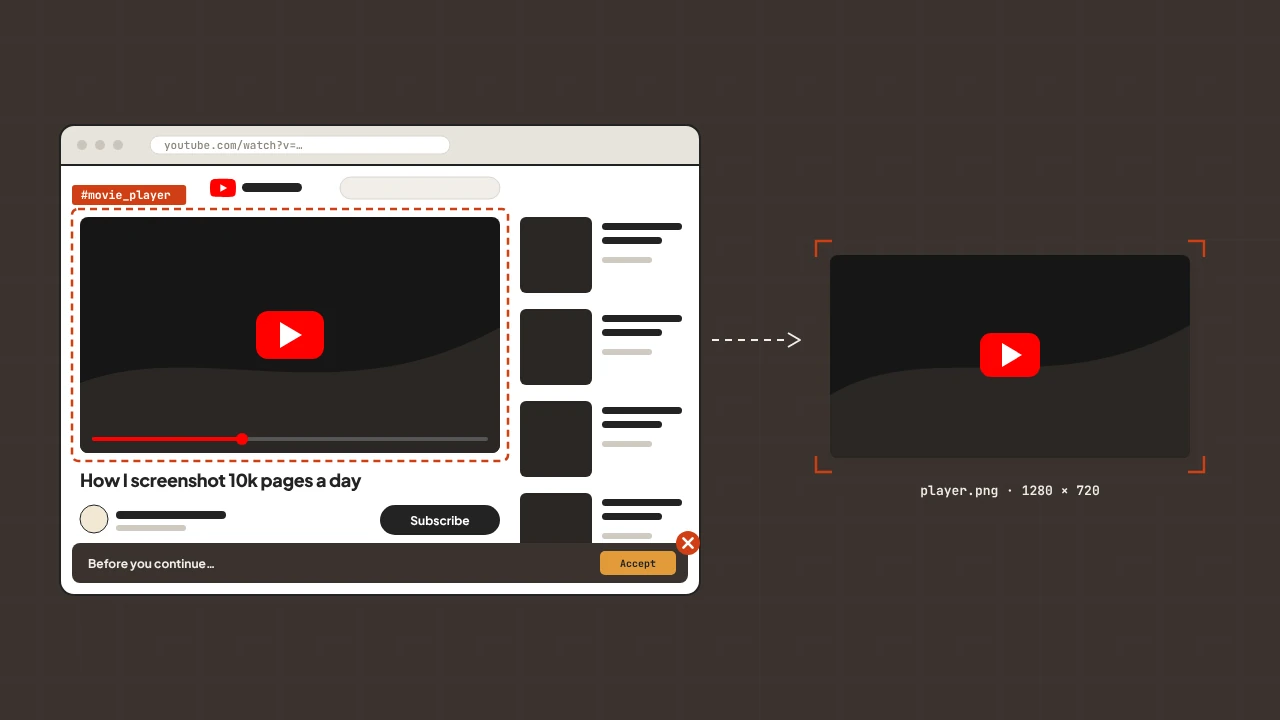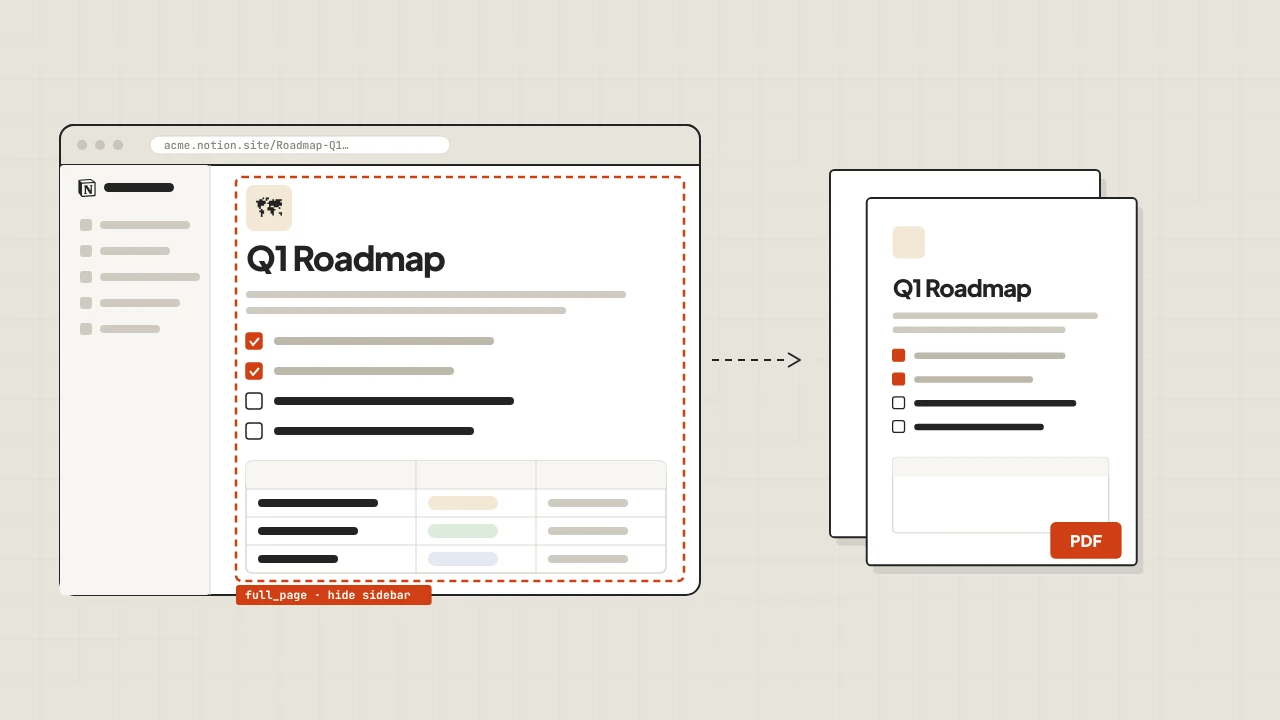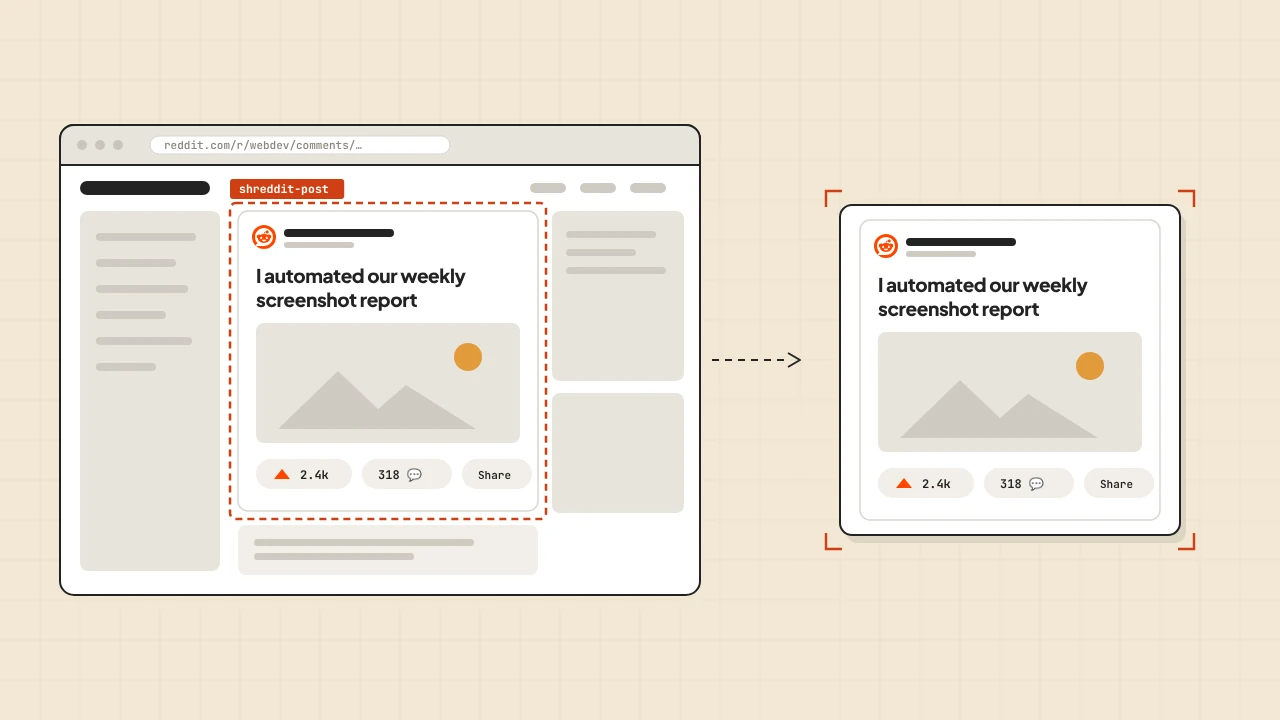
Cloudflare Workers run in V8 isolates — fast, globally distributed, deliberately constrained. No Node.js APIs, no filesystem, no native binaries. That rules out Puppeteer and Playwright, anything that depends on a real browser process. It does not rule out a screenshot API. Workers have fetch, and fetch is all you need to turn any URL into a PNG. ScreenshotRun handles the browser — your Worker makes one request and streams the image back.
Your Worker can store screenshots in R2, cache them in KV, or pass them to a downstream service. No Node.js dependencies, no Chromium binary, no package bundling required.
First Screenshot in a Worker
Create a Worker that accepts a url query parameter and returns the screenshot as a response:
export default {
  async fetch(request: Request, env: Env): Promise {
    const { searchParams } = new URL(request.url);
    const url = searchParams.get("url");

    if (!url) {
      return Response.json({ error: "url parameter required" }, { status: 400 });
    }

    const params = new URLSearchParams({
      url,
      format: "png",
      width: "1280",
      height: "720",
      full_page: "false",
      block_ads: "true",
    });

    const response = await fetch(
      `https://api.screenshotrun.com/v1/screenshots/capture?${params}`,
      {
        headers: { Authorization: `Bearer ${env.SCREENSHOTRUN_API_KEY}` },
      }
    );

    if (!response.ok) {
      return Response.json({ error: "Screenshot failed" }, { status: 500 });
    }

    return new Response(response.body, {
      headers: {
        "Content-Type": "image/png",
        "Cache-Control": "public, max-age=3600",
      },
    });
  },
};
Passing response.body directly streams the image bytes from ScreenshotRun to your client without buffering the full image in Worker memory. For large full-page captures, streaming matters — Workers have a 128 MB memory limit.
Storing Screenshots in R2
R2 is Cloudflare's object storage, compatible with the S3 API but without egress fees. Workers can write directly to R2 buckets using the bindings API:
interface Env {
  SCREENSHOTRUN_API_KEY: string;
  SCREENSHOTS: R2Bucket;
}

export default {
  async fetch(request: Request, env: Env): Promise {
    const { searchParams } = new URL(request.url);
    const url = searchParams.get("url");
    if (!url) return Response.json({ error: "url required" }, { status: 400 });

    const params = new URLSearchParams({
      url,
      format: "webp",
      width: "1280",
      full_page: "true",
      block_ads: "true",
    });

    const response = await fetch(
      `https://api.screenshotrun.com/v1/screenshots/capture?${params}`,
      { headers: { Authorization: `Bearer ${env.SCREENSHOTRUN_API_KEY}` } }
    );

    if (!response.ok) return Response.json({ error: "Capture failed" }, { status: 500 });

    const key = `${Date.now()}-${encodeURIComponent(url)}.webp`;

    // Store in R2
    await env.SCREENSHOTS.put(key, response.body, {
      httpMetadata: { contentType: "image/webp" },
      customMetadata: { sourceUrl: url, capturedAt: new Date().toISOString() },
    });

    return Response.json({ key, url });
  },
};
Bind the R2 bucket in your wrangler.toml:
[[r2_buckets]]
binding = "SCREENSHOTS"
bucket_name = "my-screenshots"
Once stored in R2, screenshots are accessible via a public bucket URL or served through another Worker that handles access control.
Caching with Workers KV
Workers KV is a key-value store designed for read-heavy workloads. For screenshot caching — where the same URL gets requested repeatedly — KV avoids redundant API calls by storing the image bytes and returning them on subsequent requests:
interface Env {
  SCREENSHOTRUN_API_KEY: string;
  SCREENSHOT_CACHE: KVNamespace;
}

const CACHE_TTL = 3600; // 1 hour

export default {
  async fetch(request: Request, env: Env): Promise {
    const { searchParams } = new URL(request.url);
    const url = searchParams.get("url");
    if (!url) return Response.json({ error: "url required" }, { status: 400 });

    const cacheKey = `screenshot:${url}`;

    // Check cache first
    const cached = await env.SCREENSHOT_CACHE.get(cacheKey, "arrayBuffer");
    if (cached) {
      return new Response(cached, {
        headers: {
          "Content-Type": "image/png",
          "X-Cache": "HIT",
        },
      });
    }

    // Fetch fresh screenshot
    const params = new URLSearchParams({
      url,
      format: "png",
      width: "1280",
      block_ads: "true",
    });

    const response = await fetch(
      `https://api.screenshotrun.com/v1/screenshots/capture?${params}`,
      { headers: { Authorization: `Bearer ${env.SCREENSHOTRUN_API_KEY}` } }
    );

    if (!response.ok) return Response.json({ error: "Capture failed" }, { status: 500 });

    const buffer = await response.arrayBuffer();

    // Store in KV with TTL
    await env.SCREENSHOT_CACHE.put(cacheKey, buffer, { expirationTtl: CACHE_TTL });

    return new Response(buffer, {
      headers: {
        "Content-Type": "image/png",
        "X-Cache": "MISS",
      },
    });
  },
};
KV has a 25 MB value size limit per key. Standard web page screenshots fit comfortably within that. Full-page captures of very long pages might not — use R2 for those instead, which has no practical size limit.
Scheduled Screenshots with Cron Triggers
Workers support cron triggers that fire on a schedule. This is the simplest way to run periodic screenshot captures for competitor monitoring — no server, no queue, just a cron expression in wrangler.toml:
[triggers]
crons = ["0 9 * * 1"]  # Every Monday at 9am UTC
const MONITORED_URLS = [
"https://competitor.com/pricing",
"https://competitor.com/features",
];
export default {
async scheduled(event: ScheduledEvent, env: Env): Promise {
for (const url of MONITORED_URLS) {
const params = new URLSearchParams({
url,
format: "png",
width: "1280",
full_page: "true",
block_ads: "true",
});
const response = await fetch(
`https://api.screenshotrun.com/v1/screenshots/capture?${params}`,
{ headers: { Authorization: `Bearer ${env.SCREENSHOTRUN_API_KEY}` } }
);
if (!response.ok) continue;
const week = new Date().toISOString().slice(0, 10);
const key = `monitoring/${week}/${encodeURIComponent(url)}.png`;
await env.SCREENSHOTS.put(key, response.body, {
httpMetadata: { contentType: "image/png" },
customMetadata: { sourceUrl: url, week },
});
}
},
}; Each Monday the Worker captures both competitor pages and writes them to R2 under a dated key. After a few weeks you have a visual archive of how their site changed over time — without running a single cron job on a server.
Environment Variables and Secrets
Store the API key as a secret, not a plain variable. Secrets are encrypted at rest and not visible in the Wrangler dashboard:
wrangler secret put SCREENSHOTRUN_API_KEYWrangler prompts you to enter the value. For CI/CD pipelines, pass it via environment variable:
echo "$SCREENSHOTRUN_API_KEY" | wrangler secret put SCREENSHOTRUN_API_KEYIn your Worker code, access it through the env parameter: env.SCREENSHOTRUN_API_KEY. Never hardcode secrets or read them from request headers.
OG Image Generation at the Edge
Open Graph images are one of the most requested screenshot use cases. When a URL gets shared on Slack, LinkedIn, or Twitter, the platform fetches the og:image tag and renders a preview card. Generating those cards dynamically — with actual content rather than a static fallback — is a natural fit for Workers, since the Worker runs at the edge close to where the request originates.
The pattern: accept a title and description as query parameters, build an HTML template, capture it via ScreenshotRun, and return the PNG:
export default {
  async fetch(request: Request, env: Env): Promise<Response> {
    const { searchParams } = new URL(request.url);
    const title = searchParams.get("title") ?? "Untitled";
    const description = searchParams.get("description") ?? "";
    const html = `<!DOCTYPE html><html><head><style>
      body { margin: 0; width: 1200px; height: 630px; display: flex;
             align-items: center; background: #0f172a; font-family: sans-serif; }
      .wrap { padding: 80px; color: white; }
      h1 { font-size: 52px; margin: 0 0 20px; line-height: 1.1; }
      p  { font-size: 26px; color: #94a3b8; margin: 0; }
    </style></head><body><div class="wrap">
      <h1>${title}</h1><p>${description}</p>
    </div></body></html>`;
    const response = await fetch(
      "https://api.screenshotrun.com/v1/screenshots/capture",
      {
        method: "POST",
        headers: {
          Authorization: `Bearer ${env.SCREENSHOTRUN_API_KEY}`,
          "Content-Type": "application/json",
        },
        body: JSON.stringify({ html, format: "png", width: 1200, height: 630 }),
      }
    );
    if (!response.ok) return Response.json({ error: "OG generation failed" }, { status: 500 });
    return new Response(response.body, {
      headers: {
        "Content-Type": "image/png",
        "Cache-Control": "public, max-age=86400, immutable",
      },
    });
  },
};
Point your og:image meta tag at the Worker URL: https://your-worker.workers.dev/og?title=My+Post&description=A+summary. The Worker generates the image on the first crawl, Cloudflare caches it for 24 hours at the edge, and repeat requests from social platforms never touch the API. For high-traffic pages, store the result in KV keyed by a hash of the parameters — the cache check costs microseconds and the saved API call is worth it once you have hundreds of unique OG images being crawled regularly.
The same pattern works for email header images, PDF cover pages, or any situation where you need a rendered image from a template without maintaining a separate image generation server. The HTML-to-image endpoint accepts full HTML including external fonts and CSS — your brand fonts render correctly without self-hosting anything.
Workers vs Lambda vs Vercel for Screenshots
| Cloudflare Workers | AWS Lambda | Vercel Functions | |
|---|---|---|---|
| Cold starts | None (V8 isolates) | 100ms–2s | Minimal on Pro |
| Execution timeout | 30s (paid) / 50ms CPU (free) | Up to 15 minutes | 60s (Pro) / 300s (Enterprise) |
| Storage | R2, KV | S3, DynamoDB | Vercel Blob, external |
| Scheduling | Cron triggers (native) | EventBridge | External cron required |
| Runtime | V8 (no Node.js APIs) | Node.js, Python, Go, more | Node.js, Edge runtime |
Workers are the right choice when you need zero cold starts and global edge distribution. Lambda fits better for long-running jobs and complex processing — especially when you need Python. Vercel is natural if you are already deploying a Next.js app there.